The Ultimate Guide to Choosing Consumer Electronics: How to Make Smarter Tech Purchases
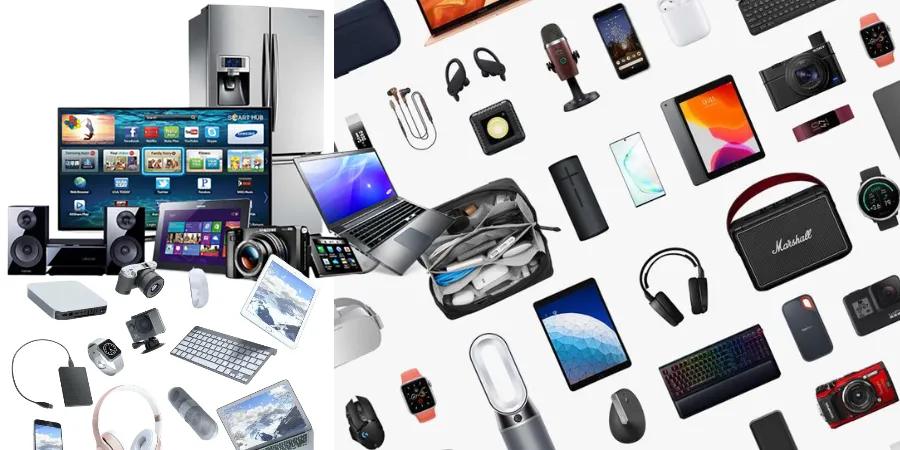
In an era where technology evolves at breakneck speed, keeping up with the latest consumer electronics can feel like a full-time job. From home office upgrades to personal entertainment systems, the market is saturated with options. Whether you are a tech enthusiast or a casual user, making an informed purchase is essential to ensure longevity, performance, and value for your money. This guide provides a comprehensive framework for navigating the complex world of consumer electronics.
Understanding Your Needs: The First Step to a Smart Purchase
Before diving into specifications and price tags, the most important step is defining your specific requirements. Many consumers fall into the trap of "feature creep," paying for high-end capabilities they will never actually use. To avoid this, ask yourself the following questions:
- What is the primary use case? Are you buying a laptop for creative professional work, or a tablet for light media consumption?
- What is your long-term plan? Do you intend to use this device for two years or five?
- What is your technical comfort level? Do you prefer plug-and-play devices, or do you enjoy customizing your hardware and software?
By identifying these factors, you can filter out irrelevant products and focus on the categories that truly serve your lifestyle.
Key Specifications to Evaluate Across Electronics
While every electronic device has unique metrics, there are universal specifications that apply to most hardware. Understanding these will help you compare products objectively.
1. Processing Power (CPU/GPU)
The processor is the brain of your device. For basic tasks like web browsing and word processing, mid-range processors are more than sufficient. However, if you are into video editing, 3D rendering, or high-end gaming, you must prioritize multi-core performance and dedicated graphics processing units (GPUs).
2. Memory and Storage
RAM (Random Access Memory) dictates how many applications you can run simultaneously. For modern computing, 8GB is the absolute minimum, while 16GB is the "sweet spot" for most users. When it comes to storage, always prioritize Solid State Drives (SSDs) over Hard Disk Drives (HDDs) for speed, and consider cloud storage as a secondary backup rather than a primary solution.
3. Build Quality and Ergonomics
Electronics are physical objects. The quality of materials—such as aluminum vs. plastic—affects not only the aesthetic but also the heat dissipation and durability of the device. Always check reviews regarding the tactile feel of keyboards, the color accuracy of displays, and the portability of the chassis.
Comparison Table: Selecting the Right Tier for Your Needs
| Category | Entry-Level (Budget) | Mid-Range (Value) | High-End (Professional) |
|---|---|---|---|
| Target User | Students, light web browsing | Remote workers, media creators | Gamers, video editors, coders |
| Build Material | High-quality plastic | Aluminum/Alloy mix | Premium metals/Carbon fiber |
| Longevity | 2-3 years | 4-5 years | 5+ years |
| Performance Focus | Battery efficiency | Balanced performance | Raw power/Processing speed |
The Importance of Connectivity and Ecosystems
Modern electronics rarely exist in a vacuum. The concept of an "ecosystem" is vital. If you already own a smartphone or a smart home hub, choosing peripherals that integrate seamlessly with your current devices can save you hours of troubleshooting and configuration.
Wired vs. Wireless Connectivity
While wireless (Bluetooth, Wi-Fi 6/7) is convenient, it often introduces latency. For audio production or competitive gaming, wired connections remain the gold standard. When shopping, check the availability of ports: USB-C, Thunderbolt, HDMI, and DisplayPort. Don't rely solely on dongles, as they are easily lost and create unnecessary clutter.
Tips for Timing Your Purchase
The electronics market is highly cyclical. Buying at the right time can save you 20-30% on the original retail price.
- Avoid Launch Windows: Prices are highest when a product is brand new. Wait 3-6 months for initial bugs to be patched and for the "early adopter" premium to fade.
- Seasonal Sales: Major holidays, Black Friday, and back-to-school seasons are standard, but also watch for "refresh" cycles. Manufacturers often drop prices on existing models just before announcing their successors.
- Refurbished Units: Certified refurbished electronics from reputable manufacturers often come with the same warranties as new products but at a significant discount. This is one of the most sustainable and cost-effective ways to buy high-end gear.
Sustainability and Electronic Waste
As we consume more electronics, the environmental impact grows. When selecting your next device, consider the "repairability score." Some manufacturers design devices that are nearly impossible to open, while others prioritize modularity. Choosing devices with higher repairability scores ensures that if a battery dies or a screen cracks, you can fix it rather than replacing the entire unit.
Maintenance: Extending the Life of Your Tech
Once you have made your purchase, maintenance is key to protecting your investment. Electronics are sensitive to heat, dust, and moisture.
Software Hygiene
Keep your firmware and operating systems updated. These updates often contain critical security patches that protect your data and performance optimizations that keep the device running smoothly as software requirements increase.
Physical Care
Invest in high-quality surge protectors for stationary electronics. For portable devices, use sleeves or hard-shell cases. Regularly cleaning dust from vents—especially in laptops and gaming consoles—prevents overheating, which is the primary cause of hardware failure in modern electronics.
Common Pitfalls to Avoid
To wrap up, here are the most common mistakes shoppers make when buying electronics:
- Over-buying on specs: You do not need an i9 processor to browse the web or stream movies.
- Ignoring software support: A cheap device is not a bargain if the manufacturer stops providing security updates after one year.
- Neglecting user reviews: Look for reviews that mention the device after 6 months of use, rather than just the initial "unboxing" impressions.
- Overlooking warranty terms: Understand the difference between a manufacturer warranty and a retailer's protection plan. Often, manufacturer warranties are sufficient.
Final Thoughts: The Future of Electronics
The landscape of consumer electronics is shifting toward more integrated, AI-driven, and sustainable solutions. As you navigate this space, prioritize flexibility and long-term utility over short-term trends. By focusing on your specific needs, researching the technical requirements, and timing your purchases strategically, you can build a technological toolkit that empowers your work and enhances your leisure time for years to come.
Remember, the best electronic device is the one that solves your problem without creating new ones. Happy shopping!